

A marketing analytics dashboard centralizes data, tracks key metrics, and delivers actionable insights. By combining clear design, real-time analytics, predictive tools, and user-focused customization, it empowers teams to optimize campaigns, improve collaboration, and drive measurable business growth efficiently.
In today’s competitive landscape, data-driven decision-making is essential. A well-designed marketing analytics dashboard can provide real-time insights, streamline reporting, and help teams act on performance metrics quickly. This comprehensive guide will walk you through the steps to build a dashboard that delivers clear, actionable intelligence.
Why Marketing Dashboards Matter
Marketing dashboards consolidate data from multiple sources into a single interface. By tracking key performance indicators in one place, teams can identify trends, spot anomalies, and measure the impact of campaigns with ease. Dashboards also foster collaboration by giving stakeholders a shared view of progress and priorities.
Identifying Key Metrics
Before creating your dashboard, define the metrics that matter most. Common marketing metrics include conversion rate, cost per acquisition, customer lifetime value, and return on ad spend. Align these metrics with your business goals to ensure your dashboard drives the right insights.
Choosing the Right Tools
Selecting the best dashboard tools can make or break your analytics efforts. Popular options include Tableau, Power BI, Google Data Studio, and Mode Analytics. Consider factors like data source integration, customization capabilities, cost, and ease of use when making your choice.
Design Principles for Dashboards
Effective dashboard design prioritizes clarity and simplicity. Use clean layouts, logical grouping of elements, and consistent color schemes. Limit the number of visualizations per view to avoid information overload. Highlight the most important metrics with larger charts or contrasting colors.
Understanding Your Audience
A dashboard is only valuable if it meets the needs of its users. Begin by identifying who will use it—executives, marketing managers, analysts, or cross-functional teams. Each audience has different requirements: executives usually need high-level insights like overall ROI or campaign performance trends, while analysts may require granular data, such as user behavior, click paths, or ad placement performance. Understanding your audience allows you to design dashboards that are intuitive, reduce unnecessary clutter, and deliver insights tailored to each role. For example, a sales-focused executive might prefer a summary chart showing revenue vs. target, whereas an email marketing analyst might need detailed open and click-through rates by segment.
Data Collection Strategies
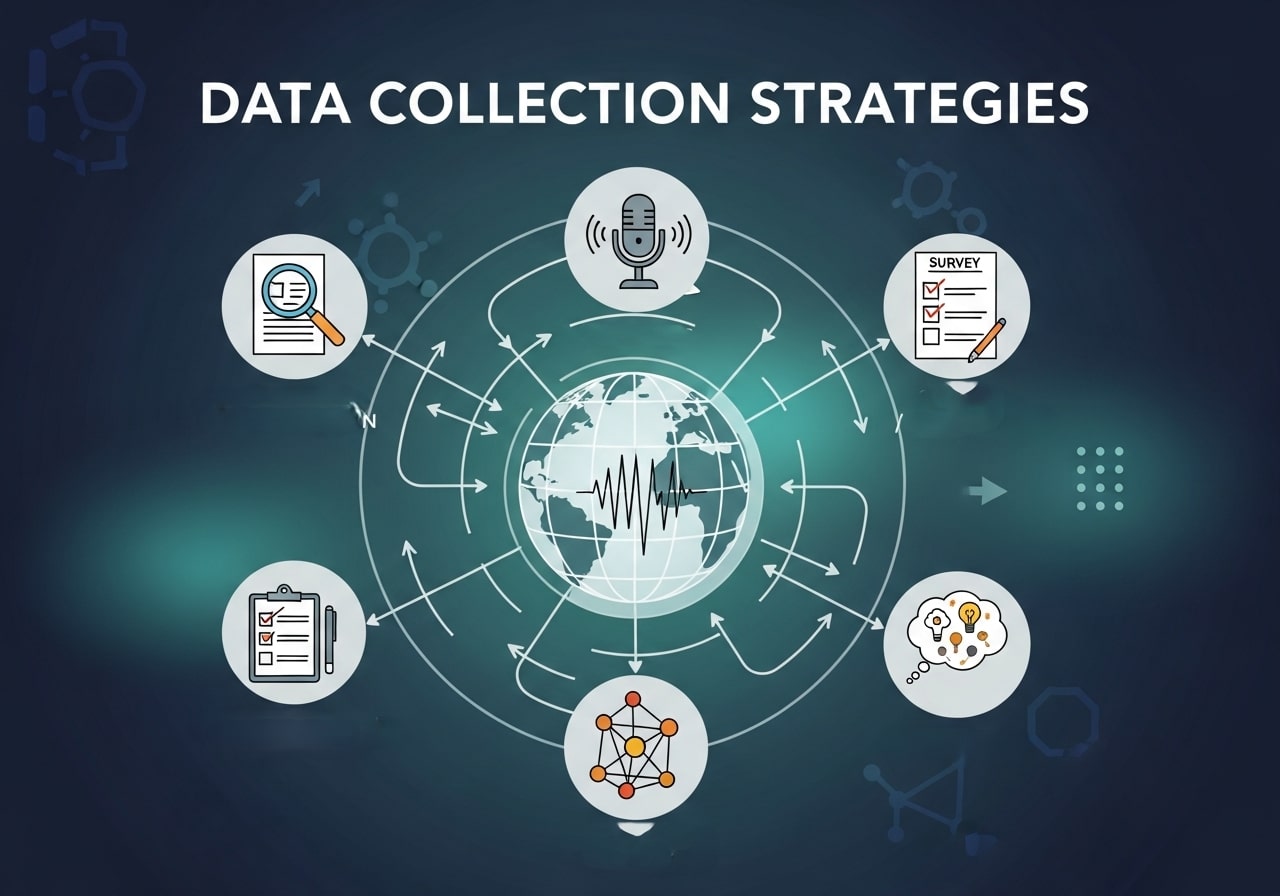
Data accuracy is the backbone of a reliable marketing dashboard. Before integrating data, define where it will come from and how it will be collected. Consider structured sources such as CRM systems and web analytics, unstructured sources like social media comments, and third-party data like competitor benchmarks. Establish clear processes for cleaning, deduplicating, and normalizing data to ensure consistency across sources. For instance, if Facebook Ads and Google Ads report conversions differently, establish a standard metric to avoid misleading conclusions. A solid data collection strategy prevents errors, ensures trust in the dashboard, and supports meaningful decision-making.
Setting Benchmarks and Targets
Metrics alone don’t tell the full story; they need context. Benchmarks and targets provide a frame of reference for understanding performance. Set realistic targets based on historical data, industry standards, or competitor analysis. For example, knowing that your average email open rate is 25% allows you to judge whether a 30% open rate is truly exceptional. Benchmarks help teams identify overperforming campaigns and underperforming channels quickly. By combining real-time metrics with well-defined targets, dashboards become proactive tools that guide actions rather than just record history.
Multi-Channel Integration
Modern marketing spans multiple channels—social media, email, search ads, display advertising, and offline campaigns. A powerful dashboard consolidates all relevant data into a single interface. Integrating multi-channel data allows marketers to measure overall campaign performance, track customer journeys across touchpoints, and optimize budget allocation. For instance, seeing how Google Ads clicks influence conversions in combination with Facebook Ads impressions can reveal synergies or redundancies. Multi-channel integration ensures no insight is overlooked and provides a holistic view of marketing effectiveness.
Customizing Views for Different Roles
Not every user needs to see the same level of detail. Custom, role-based views ensure that each stakeholder accesses information relevant to their responsibilities. Executives may prefer high-level KPIs like total revenue, ROI, and cost per acquisition, while team leads might focus on campaign-level metrics, and analysts require granular data for deep dives. Tailoring dashboards reduces cognitive overload and improves decision-making efficiency. Additionally, it ensures that sensitive or irrelevant information is hidden from users who do not need it, maintaining clarity and security.
Incorporating Predictive Analytics

Dashboards don’t have to be purely historical; they can forecast trends and outcomes. Predictive analytics uses historical data, patterns, and algorithms to anticipate future performance. For example, predictive models can estimate which campaigns are likely to yield the highest ROI next quarter or which customer segments are at risk of churn. Integrating predictive insights into dashboards allows teams to be proactive, plan resources more effectively, and take preemptive actions rather than reacting to past events. Over time, predictive capabilities turn dashboards into strategic tools rather than reporting instruments.
Mobile-Friendly Dashboards
With remote work and fast-paced marketing environments, dashboards need to be accessible on mobile devices. A mobile-friendly dashboard ensures stakeholders can monitor KPIs, receive alerts, and make decisions on the go. Design considerations include responsive layouts, simplified charts, and prioritized key metrics for small screens. For example, an on-the-go marketing manager might check ad spend and conversion trends on a tablet while commuting, enabling faster adjustments. Mobile accessibility ensures timely decision-making without waiting to be at a desktop.
Automating Reports and Alerts
Manually updating dashboards and sending reports is time-consuming and prone to errors. Automation streamlines these processes, allowing teams to focus on analysis and action. Schedule automatic email reports, set up alert notifications for anomalies, or configure threshold-based triggers for important KPIs. For instance, if a campaign’s cost per acquisition exceeds a predefined limit, the dashboard can immediately notify relevant stakeholders. Automation saves time, reduces human error, and ensures critical insights reach the right people when they matter most.
Ensuring Data Security and Privacy
Dashboards often contain sensitive marketing, financial, and customer data. Ensuring proper security and compliance is crucial. Implement role-based access controls, encryption protocols, and adherence to privacy regulations like GDPR or CCPA. For example, limit access to customer PII to only authorized analysts, while managers may see only aggregated metrics. Protecting data not only safeguards your company against breaches but also builds trust with customers and stakeholders, making the dashboard a reliable tool for decision-making.
Monitoring Dashboard Performance
Even the most well-designed dashboard can lose effectiveness over time. Track how users interact with the dashboard: which metrics they view most, how frequently they log in, and where confusion occurs. Monitoring engagement helps you identify areas for improvement and optimize the dashboard’s usability. For example, if users consistently ignore a particular chart, it may need to be redesigned or removed. Ongoing performance monitoring ensures that the dashboard remains relevant, actionable, and aligned with evolving business needs.
Continuous Improvement and Iteration
Dashboards should evolve alongside your business and marketing strategies. Collect feedback from users, observe changing market trends, and adjust visualizations and metrics accordingly. For example, as new marketing channels emerge, integrate their data into your dashboard to maintain comprehensive insights. Continuous iteration ensures your dashboard remains a living tool that supports smarter decisions, drives efficiency, and maximizes the long-term impact on business growth.
Data Governance and Quality Control

High-quality data is the foundation of actionable insights. Implement a robust data governance framework to define who owns data, how it should be entered, and how it is maintained. Regular audits, validation checks, and standardization processes help prevent errors such as duplicates, missing values, or inconsistent formatting. For example, if two marketing channels report conversions differently, harmonizing the metrics ensures accurate comparisons. Strong data governance increases confidence in your dashboard, reduces decision-making errors, and ensures that every insight is reliable.
Storytelling with Data
A dashboard is not just a collection of charts; it’s a storytelling tool. Effective dashboards guide users through a narrative that highlights performance, trends, and opportunities. Use visual hierarchy, annotations, and context to explain why numbers matter. For instance, a spike in website traffic may seem positive, but annotations explaining that it’s due to a temporary ad campaign prevent misinterpretation. Storytelling turns raw data into actionable insights, making it easier for teams to understand results and take informed actions.
Leveraging User Feedback for Improvement
A dashboard’s value depends on how well it serves its users. Collecting and analyzing feedback is essential for ongoing improvement. Use surveys, interviews, and usage analytics to understand which metrics are most useful, which visualizations are confusing, and what additional data users need. For example, if multiple users request a view comparing social media engagement with conversions, incorporating it will increase adoption and satisfaction. Regularly acting on feedback ensures your dashboard evolves with user needs and remains a key decision-making tool.
Data Visualization Best Practices
Choosing the right chart type is critical. Use line charts for trend analysis, bar charts for comparisons, and pie charts sparingly for simple distribution views. Always label axes clearly, include legends when needed, and use tooltips to provide context without cluttering the interface.
Integrating Real-Time Analytics
Real time data can give marketers an edge by enabling rapid response to changing conditions. Implement streaming data sources or API connectors to update your dashboard automatically. Set up alerts to notify teams when key metrics exceed predefined thresholds.
Implementation Steps
Start by sketching a wireframe of your dashboard. Next, connect your data sources and build initial visualizations. Iterate based on stakeholder feedback and validate data accuracy at each stage. Finally, document your dashboard usage guidelines and train users on interpretation.
Case Study: A Sample Implementation
Imagine an e-commerce company that centralizes Google Analytics, Facebook Ads, and CRM data into a single dashboard. By tracking cart abandonment rate alongside ad spend, the team identifies underperforming campaigns and reallocates budget, resulting in a 15 percent increase in revenue within a month.
Common Pitfalls to Avoid
Avoid clutter by limiting the number of metrics per view. Do not mix unrelated data sets without clear separation. Beware of stale data by scheduling regular updates. Finally, resist the temptation to include every available metric; focus on those that drive business impact.
Conclusion
A well-crafted marketing analytics dashboard is a cornerstone of data-driven marketing. By selecting the right tools, defining key metrics, and applying design best practices, you can create a dashboard that empowers your team to make smarter, faster decisions and achieve measurable growth.
FAQ: Marketing Analytics Dashboards
1. What is a marketing analytics dashboard?
A marketing analytics dashboard is a visual interface that consolidates data from multiple sources, allowing teams to track key metrics, monitor campaign performance, and make data-driven decisions quickly.
2. Why are dashboards important for marketing?
Dashboards provide a single view of performance, highlight trends, identify anomalies, and improve collaboration among teams by sharing consistent, real-time insights.
3. Which metrics should I track on a marketing dashboard?
Common metrics include conversion rate, cost per acquisition (CPA), customer lifetime value (CLV), return on ad spend (ROAS), engagement rates, and campaign-specific KPIs aligned with business goals.
4. Which tools are best for building marketing dashboards?
Popular options include Tableau, Power BI, Google Data Studio, and Mode Analytics. Choose based on integration capabilities, customization options, cost, and ease of use.
5. What makes a dashboard design effective?
Effective dashboards prioritize clarity: use clean layouts, group related metrics, apply consistent color schemes, limit visualizations per view, and highlight key metrics prominently.
6. How do I choose the right chart types?
Use line charts for trends, bar charts for comparisons, pie charts sparingly for simple distributions, and always label axes clearly. Include legends or tooltips for context without cluttering the view.
7. Can dashboards show real-time data?
Yes. Dashboards can integrate streaming data or APIs to update automatically, with alerts for key metrics exceeding thresholds to enable rapid decision-making.
8. How do I implement a dashboard?
Start with a wireframe, connect data sources, build visualizations, gather stakeholder feedback, validate data, and provide usage guidelines and training for users.
9. What are common pitfalls to avoid?
Avoid clutter, mixing unrelated data, stale data, and including unnecessary metrics. Focus on KPIs that drive business impact and keep the dashboard simple and actionable.
10. How can dashboards drive business growth?
By centralizing data, highlighting actionable insights, enabling faster responses to trends, and guiding resource allocation, dashboards help teams optimize campaigns and achieve measurable results.
 Donald Abel