

Email is still the best way to reach your audience. But as strong as that is, emails are not going to cut it. And, to be able to unlock the full potential of your email campaigns, you need to know what’s working (and what’s not), hence the importance of email marketing analytics. Metrics give insights into what’s working, what’s not, and what you need to tweak in your strategy for better results.
This blog will discuss the top marketing performance metrics to track, services that provide easy analytics, and actionable tips to use data to succeed. Whether you’re a beginner or an expert at email marketing, this guide will show you how to use data to drive your campaigns.
The Importance of Email Marketing Analytics
Picture choosing your email campaign by going off of just a hunch. Without readily available data, it is very difficult to tell if your efforts are working. Email marketers benefit immensely from analytics to:
- Fitness test yourself and see if you’re meeting your goals.
- Spot user behavior trends.
- Identify where changes are needed.
- Explain the effects of email marketing on stakeholders.
For example, let’s say one of your email drivers is driving hundreds of clicks but no conversions. This means that if you can get to the root of that conversion, you can improve the process to provide better results.
Top Email Marketing KPIs You Should Be Tracking
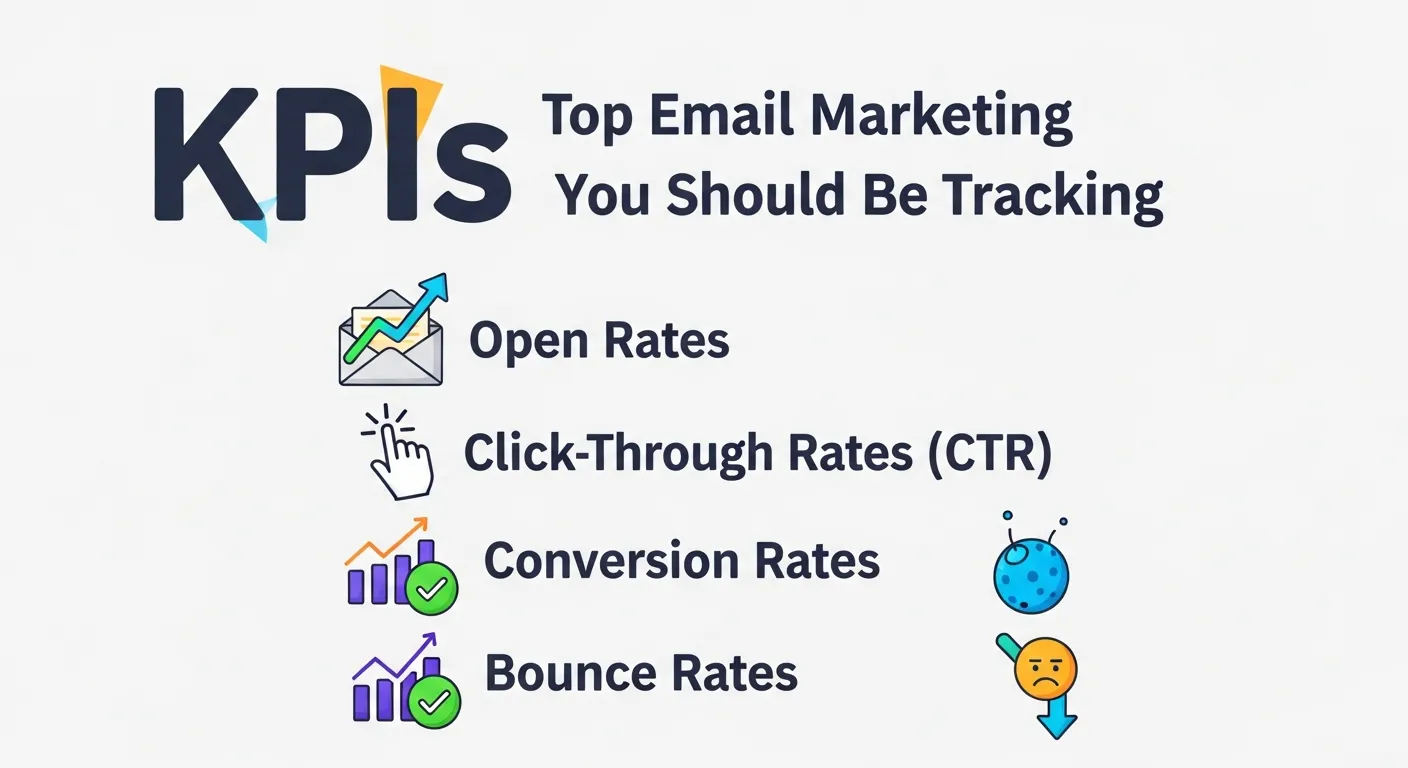
Open Rates
Open rate is simply the percentage of recipients who opened your email. It will shed light on how well your subject line is doing and the time of day you sent the email.
Formula: (Emails opened ÷ Emails delivered) × 100
What it indicates:
- A high open rate indicates good subject lines and interest from your subscribers.
- Low open rates may indicate your content isn’t relevant, the timing was off, or your audience isn’t exactly interested in what you are offering.
Click-Through Rates (CTR)
CTR is a measurement how many people have clicked a link in your email once they’ve opened it. High CTRs indicate that you have compelling content and effective CTAs.
Formula: (Number of clicks ÷ Number of opened emails) × 100
What it indicates:
- A high CTR indicates engaging content and CTAs.
- A low CTR might indicate vague connections or sparse goodwill offering.
Conversion Rates
This is the metric that will most immediately interest you and let you know how many people did the thing you want them to do after they clicked on your email—whether that’s buy something, sign-up for a webinar or download a guide.
Formula: (Number of actions completed ÷ Emails delivered) × 100
What it indicates:
- How effective is your email design, landing page, and offer.
- Either weak campaigns or user friction at the post-click level.
Bounce Rates
Bounce rate is the percentage of emails that were not delivered successfully. There are two types:
- Hard bounces: An email address that doesn’t exist, or an account is closed.
- Soft bounces: A temporary problem, such as a full inbox or server issue.
Formula: (Bounced emails ÷ Emails sent) × 100
Calculation: 100 * 6 ÷ ((10 – 0) + 6) = 100 * 6 ÷ 16 = 100 * 0.375 = 37.5%
I hope that makes sense.
What it indicates:
-
You can pin high bounce rates on the hairy eyeball, and it is your signal to clean your email list.
Key Email Analytics Tracking Tools
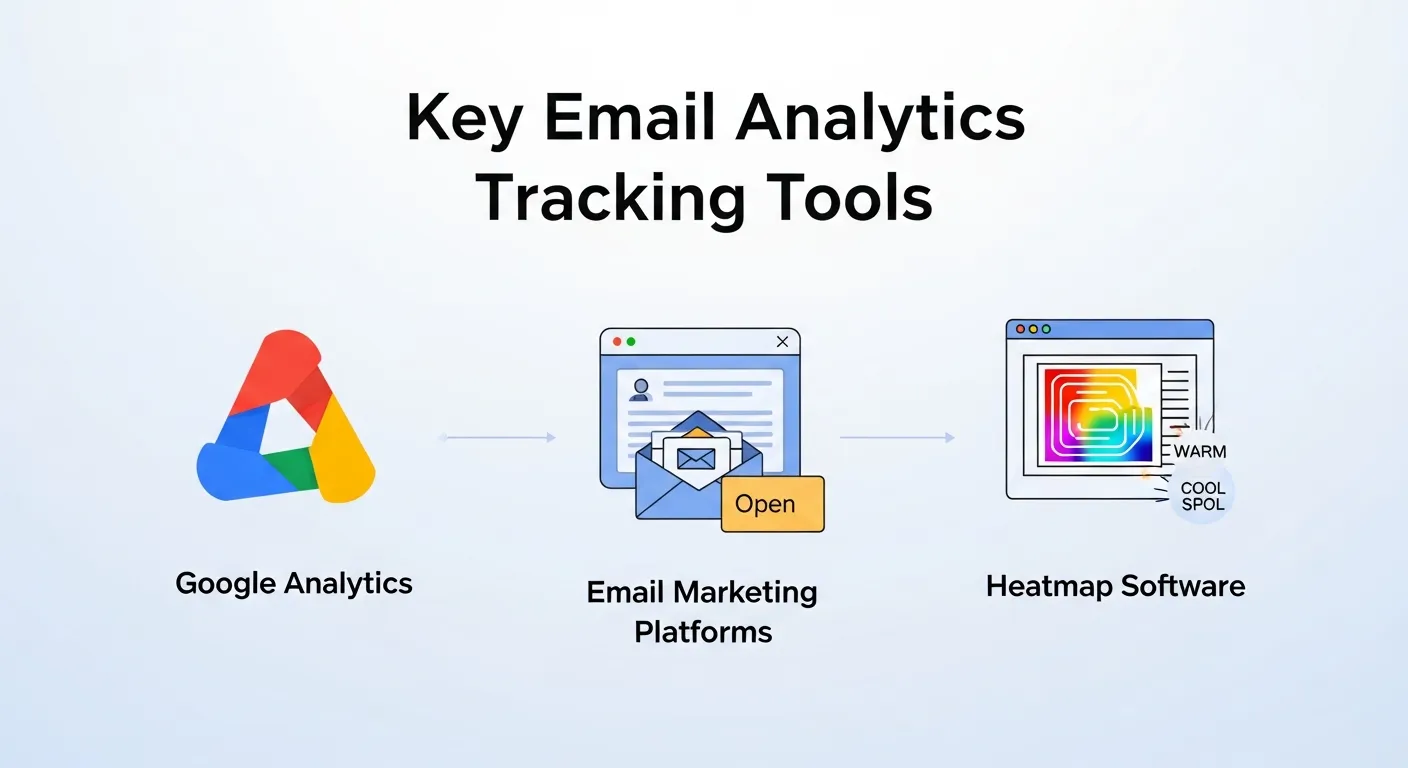
Now that you’ve learned what metrics to measure, let’s dive into the right tools to use to gather and understand your data.
Google Analytics
And tracking user actions well beyond your email campaigns, you can do that thanks to Google Analytics and its powerful tracking capabilities. With UTM parameters, you can track and see how email clicks turn into website activity (like sales or sign-ups).
Email Marketing Platforms
Integrated analytics is available on all-in-one platforms like Mailchimp, Constant Contact, and HubSpot. They allow you to monitor open rates, as well as link clicks, and essentially provide a comprehensive analysis.
Heatmap Software
By using heatmap tools like Hotjar or Crazy Egg, you can visualize how your subscribers interact with your emails. By doing this, you can see where people are clicking or even dropping off, which will help you identify which parts to change in your design or layout.
Common Email Marketing Analytics Mistakes
Even experienced marketers often misread or misuse email marketing analytics. Understanding these mistakes can help you avoid inaccurate conclusions and improve campaign performance faster.
Many marketers focus only on surface-level metrics like open rates while ignoring deeper performance indicators. Others fail to align analytics with business goals, which results in data overload without meaningful insights.
Common Mistakes Marketers Make
- Tracking too many metrics without clear goals
- Focusing only on open rates instead of conversions
- Ignoring audience segmentation in analytics
- Not optimizing campaigns based on historical data
- Failing to test and validate insights through A/B testing
How to Fix These Mistakes
- Define clear campaign objectives before tracking metrics
- Prioritize conversion-focused KPIs
- Segment analytics reports by audience type and behavior
- Compare performance trends over time
- Validate assumptions with controlled testing
Email Analytics Mistakes vs Solutions
| Common Mistake | Why It Hurts Performance | Recommended Fix |
|---|---|---|
| Tracking vanity metrics only | Doesn’t reflect real business impact | Focus on CTR, conversions, and ROI |
| No audience segmentation | Generic insights lead to poor targeting | Analyze metrics by segment |
| Ignoring historical trends | Repeats past mistakes | Compare data month-over-month |
| No testing validation | Assumptions may be incorrect | Use A/B testing |
| Poor goal alignment | Data lacks direction | Define clear campaign goals |
How to Analyze and Apply Data to Improve Campaigns
It is important to remember that collecting data is only the first step. The real power of email marketing lies in the interpretation and application of the data.
- Segment Your Audience:
By comparing the performance metrics of your different audience segments, you can build more personalized emails to target them.
Example: Younger audiences might relate better to bold imagery and engaging video content. Industry professionals might find informative, text-heavy emails more appealing. - Identify Trends:
By identifying trends across the data, you can optimize the timing, tone, and content of your emails. - Fix Pain Points:
Analyzing which emails are underperforming, email troubleshooting will be very easy.
Example: If your CTO suggests low conversion email statistics, try to identify the gaps between the email click and the intended action. There may be just too many elements on the landing page, or the CTA might not be clear enough. - Report and Improve:
Use this data to regularly generate reports in order to display progress over an extended period of time. Displaying this data across your team or business allows everyone to see what is effective and helps maintain increased effort.
The Role of A/B Testing in Optimization

A/B testing is a practice that effectively improves emails over time. It helps test different versions and see which works better than the other. The basic process begins with:
- Make two versions of your email with only that variable switched.
- Send each variation to a small percentage of your audience to compare performance.
- Roll that higher-performing version out across your list.
For one, you can experiment with subject lines that are phrased as questions (“Are You Struggling with Email Marketing Analytics?”), open better than bills.
Future Trends in Email Marketing Analytics
Email marketing analytics is evolving rapidly with the integration of automation, AI, and predictive data modeling. Modern marketers are no longer just measuring past performance—they are using analytics to forecast outcomes and personalize experiences at scale.
Advanced analytics tools now allow brands to predict user behavior, optimize send times automatically, and personalize content dynamically, improving both engagement and ROI.
Emerging Trends to Watch
- AI-powered predictive email analytics
- Behavior-based personalization
- Automated send-time optimization
- Cross-channel analytics integration
- Privacy-first data tracking strategies
How These Trends Benefit Marketers
- Higher engagement through personalization
- Better ROI through predictive targeting
- Reduced manual analysis workload
- Improved customer lifecycle tracking
- More compliant and ethical data usage
Traditional vs Modern Email Analytics
| Aspect | Traditional Email Analytics | Modern Email Analytics |
|---|---|---|
| Data Usage | Historical performance | Predictive & real-time data |
| Personalization | Basic segmentation | AI-driven personalization |
| Optimization | Manual adjustments | Automated optimization |
| Reporting | Static dashboards | Dynamic insights & alerts |
| Privacy Focus | Limited compliance | Privacy-first tracking |
Best Practices to Achieve Accurate Monitoring and Reporting
Here are some best practices when it comes to making sense of your email marketing analytics:
- Use Clean Email Lists: Clean your email lists frequently to lower the bounce rate and enjoy a higher deliverability.
- Track Goals: Make your success metrics always crystal clear. Do you want conversions, downloads, or a response?
- Use Consistent UTM Tags: If you want to dig deeper into your analytics, add tagged links within your emails, and use something like Google Analytics to get a better idea of which links performed best.
- Regularly Review Your Data: Study your measurements post-campaign, and alter your gameplay for campaign No.
- Be Compliant: Abide by email laws such as GDPR and CAN-SPAM on permissions and privacy.
Elevate Your Email Marketing
Email marketing metrics aren’t just data points in a graph; they’re the key to building meaningful, engaging campaigns that speak to your audience. If you’re tracking the right metrics, using powerful tools, and refining your strategy all the time, it’s a winning combination.
Are you ready to unlock the potential of email marketing analytics? Start making incremental, data-driven changes today and lift your campaigns higher.
Frequently Asked Questions (FAQs)
1. What is email marketing analytics?
Email marketing analytics is the process of tracking, measuring, and analyzing email campaign data such as open rates, click-through rates, and conversions to improve performance and ROI.
2. Why is email marketing analytics important?
Email marketing analytics helps marketers understand subscriber behavior, identify what works, fix weak points, and make data-driven decisions to improve campaign results.
3. What are the most important email marketing analytics metrics?
Key metrics include email open rates, click-through rate (CTR), conversion rate, bounce rate, unsubscribe rate, and overall campaign ROI.
4. How do email open rates impact campaign performance?
Email open rates indicate how effective your subject lines and send timing are. Higher open rates usually mean stronger relevance and better audience engagement.
5. How does email marketing analytics support digital marketing analytics?
Email marketing analytics feeds valuable data into digital marketing analytics by showing how email traffic converts on websites, landing pages, and sales funnels.
6. What tools are best for email marketing analytics?
Popular tools include Google Analytics, Mailchimp, HubSpot, Constant Contact, and other platforms that provide integrated analytics dashboards and reporting.
7. How can email marketing analytics improve conversions?
By analyzing click behavior, user journeys, and conversion paths, email marketing analytics helps optimize content, CTAs, and landing pages for better results.
8. What role does A/B testing play in email marketing analytics?
A/B testing allows marketers to compare subject lines, content, layouts, and CTAs to identify which version performs best based on analytics data.
9. How does email marketing analytics contribute to marketing analytics-led demand?
Email marketing analytics helps identify high-intent users, nurture leads, and personalize messaging—driving marketing analytics-led demand generation.
10. How often should email marketing analytics be reviewed?
Email marketing analytics should be reviewed after every campaign, with deeper performance analysis conducted weekly or monthly for ongoing optimization.